
FauxClockNG
Kernel controls for rooted Android devices.
FauxClockNG lets you set the CPU governor and frequency limits, GPU options, memory, I/O scheduler, and network settings on a rooted phone, tablet, or handheld. It also backs up and restores your kernel, and flashes a kernel you choose.

The app is free, and every feature is open to everyone. If you installed FauxClockNG from Google Play, uninstall that copy first, or the GitHub copy will not install.
Screenshots
What you can control
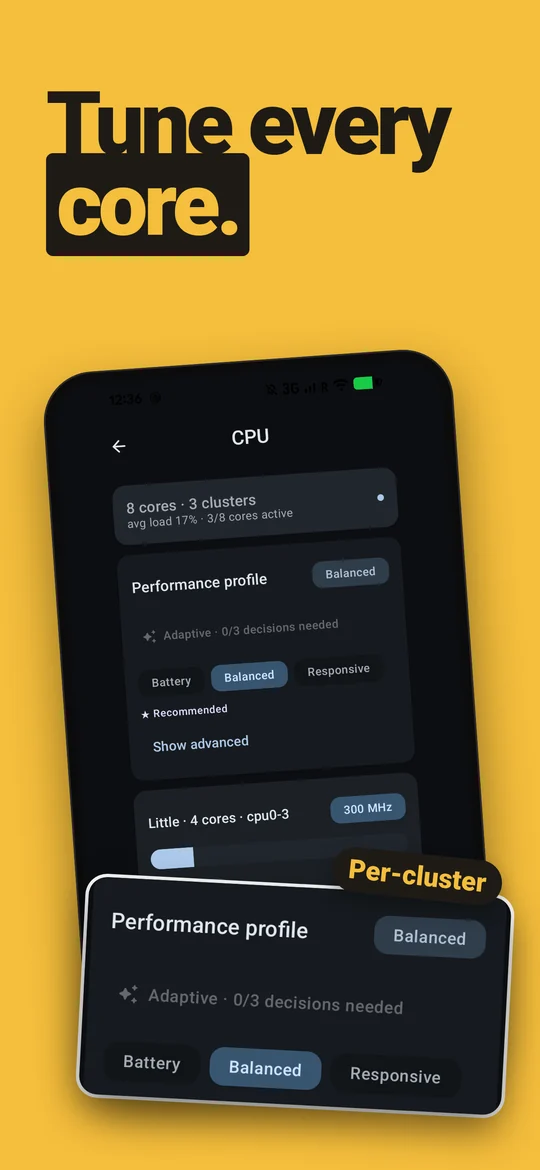
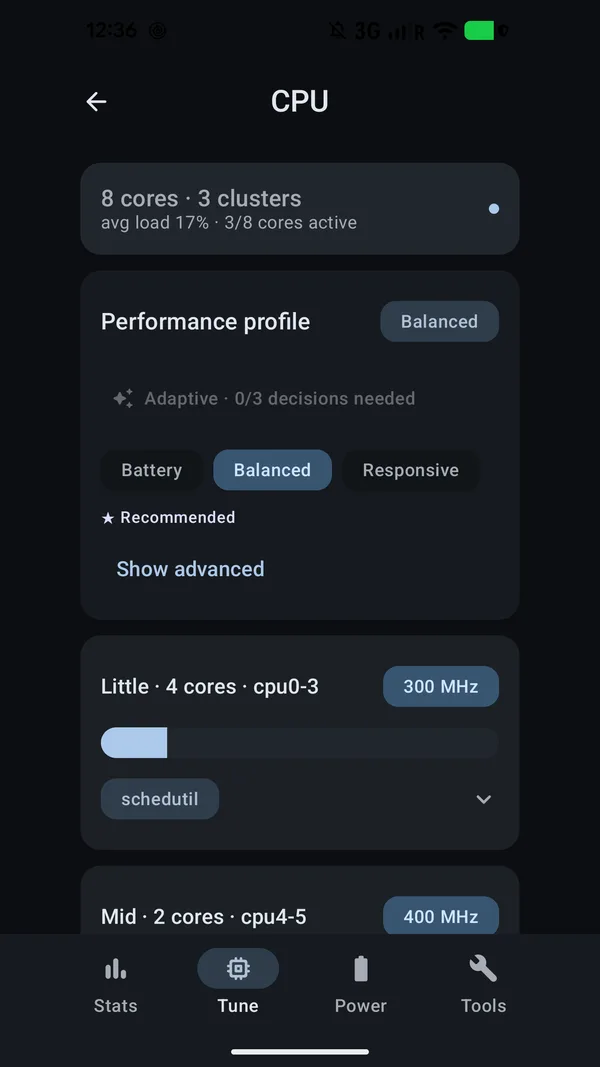
CPU: choose the governor and set the minimum and maximum frequency for each cluster.
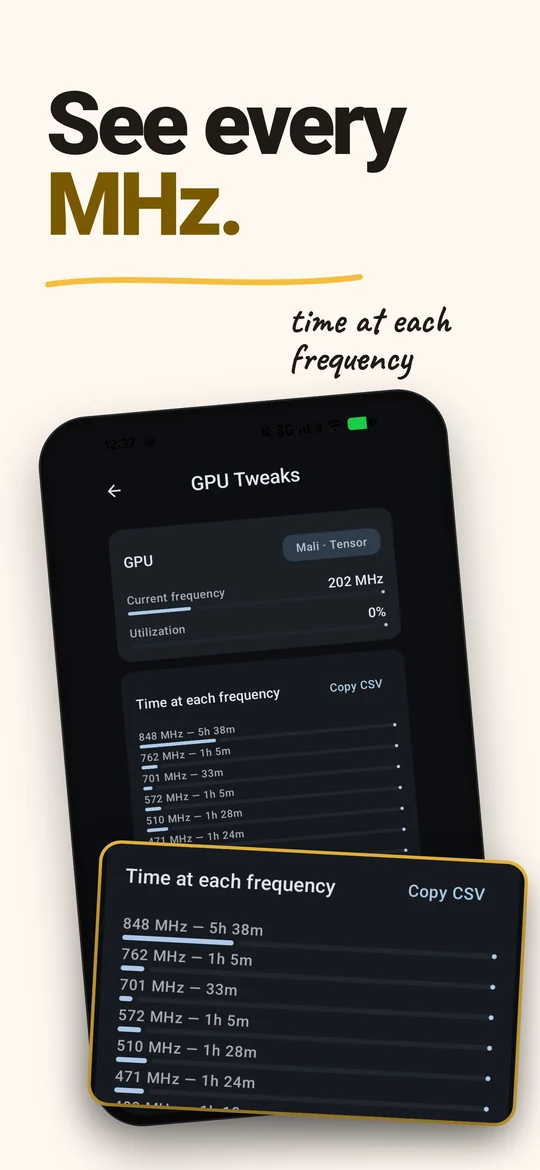
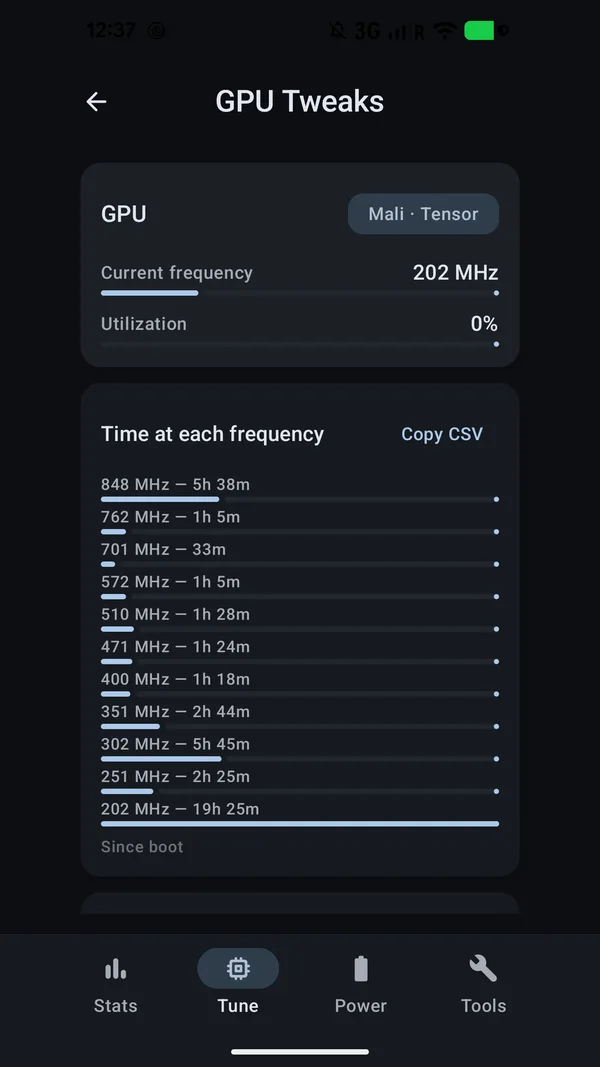
GPU: set frequency limits and the power policy where your kernel exposes them.
Memory: set KSM and low memory killer parameters.
I/O: choose the I/O scheduler for each block device.
Network: choose the TCP congestion control algorithm.
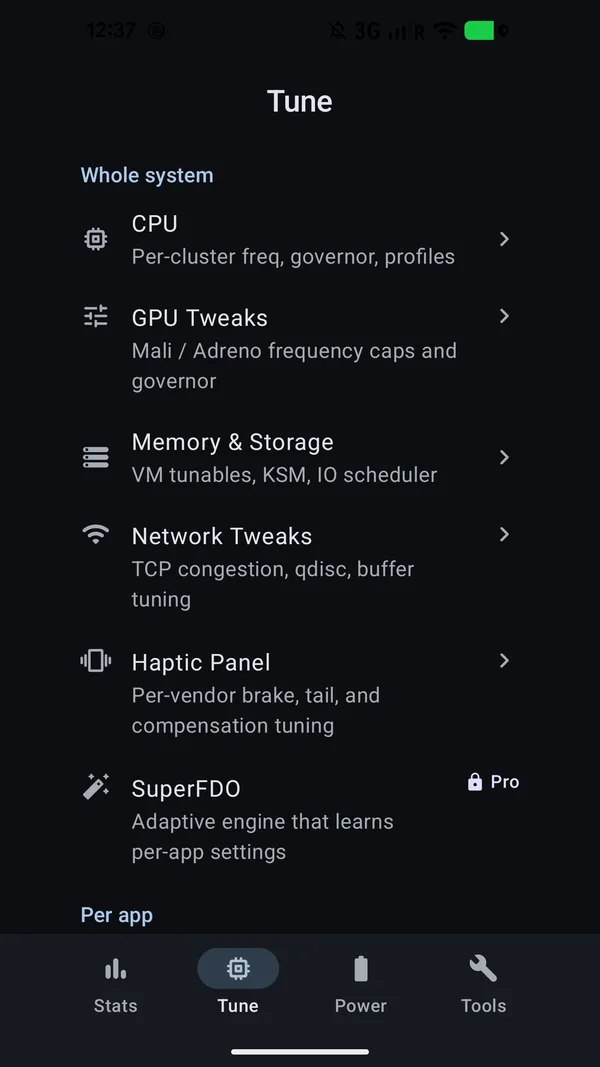
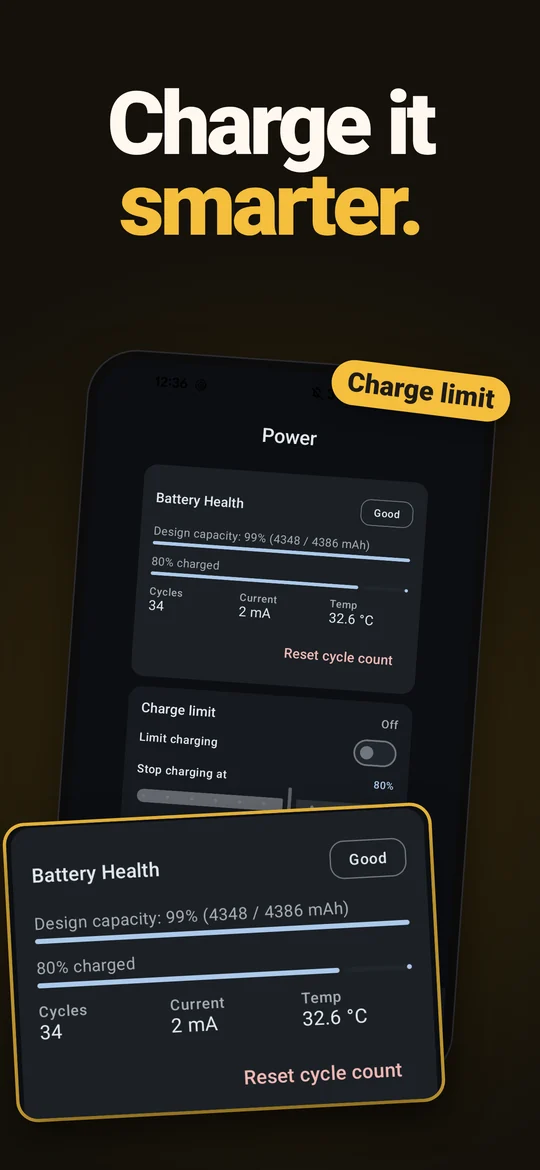
Battery: set a charge limit on devices whose kernel exposes one.
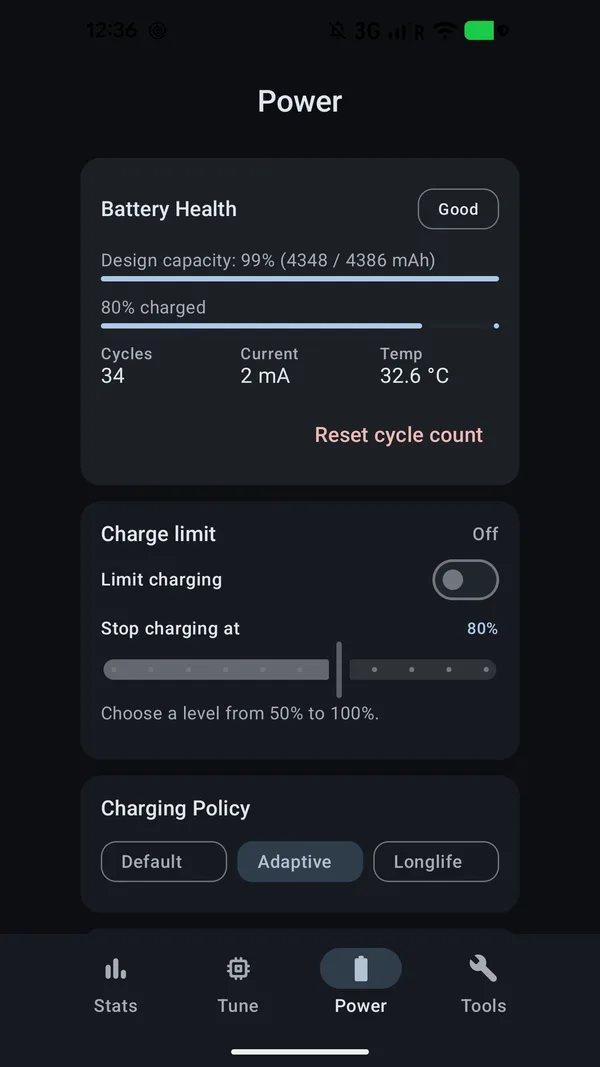
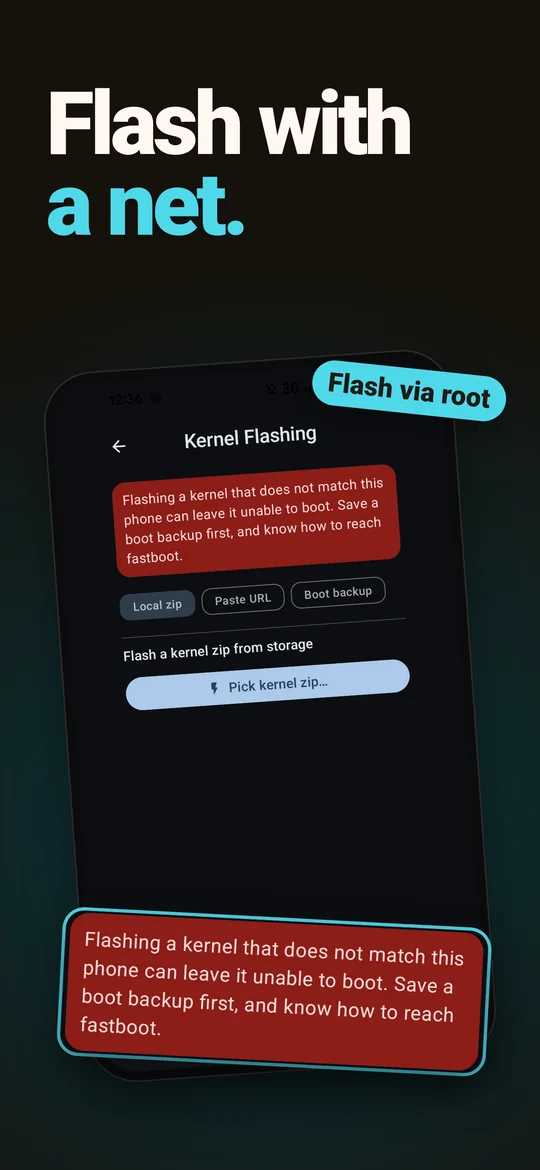
Kernel flashing: flash a kernel zip from storage or from a manifest URL you provide. The app saves your current kernel partitions first and checks the copy.
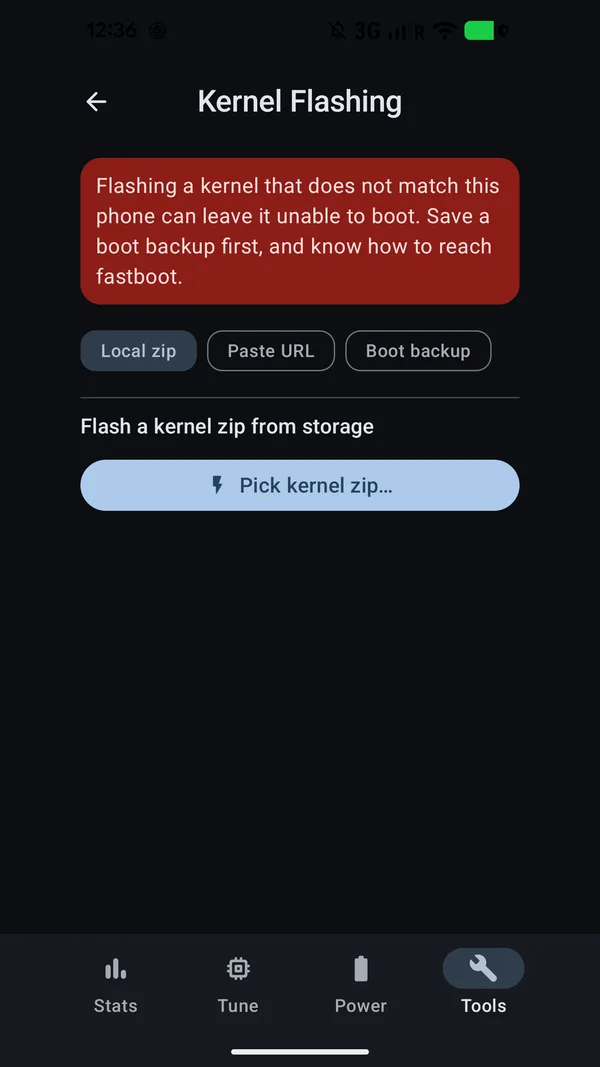
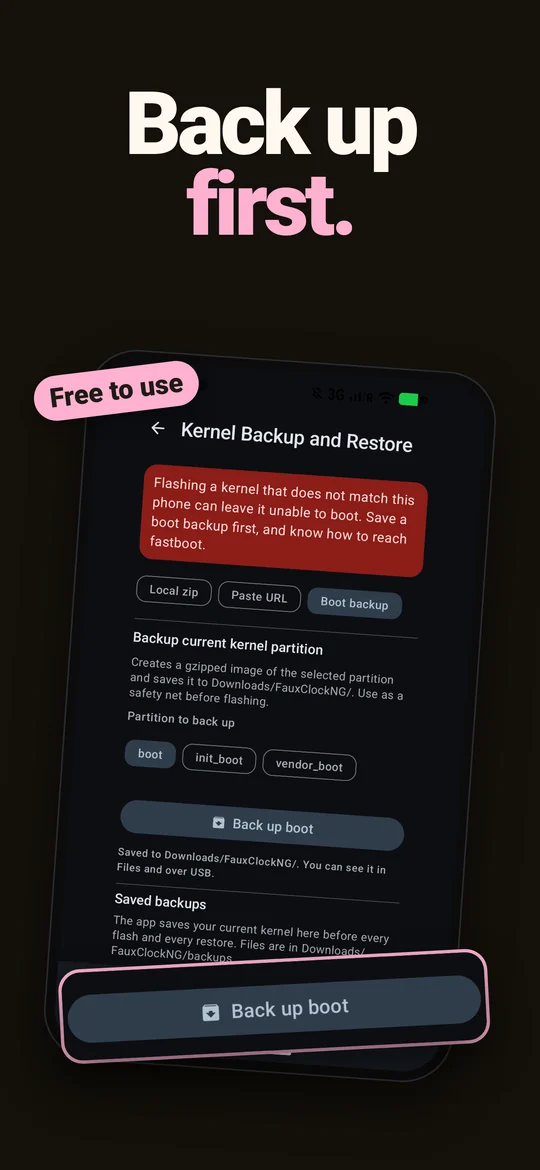
Kernel backup and restore: keep saved kernel sets in your Downloads folder and write one back, with a read-back check after the write.
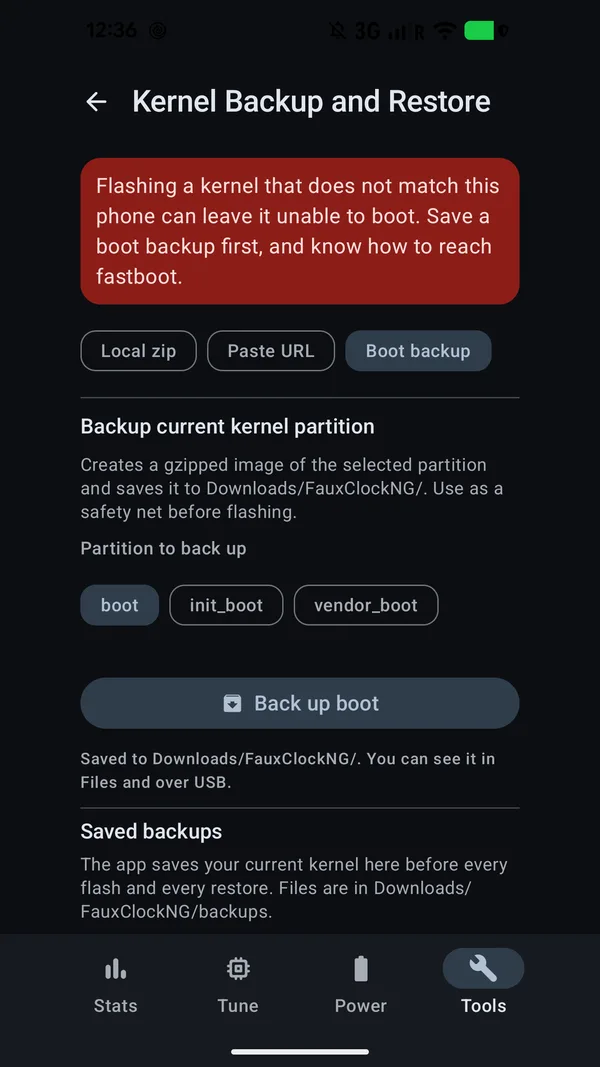
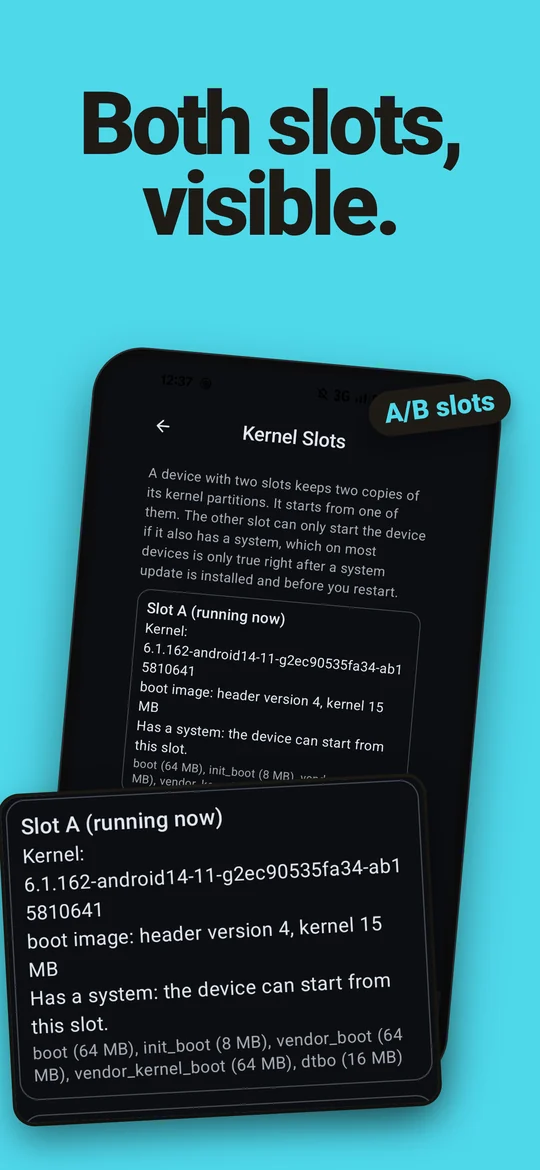
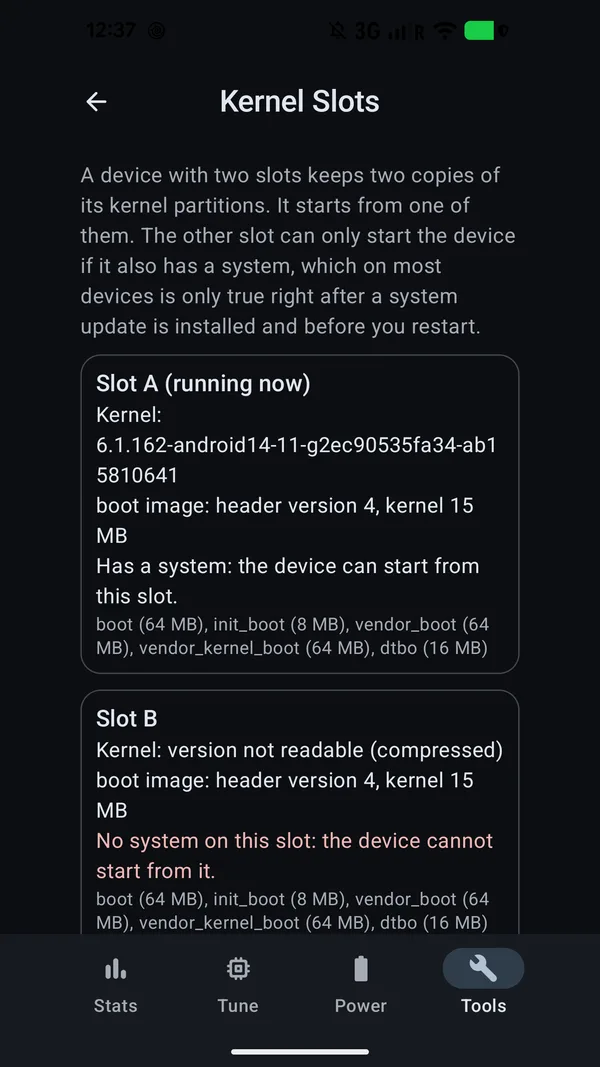
Kernel slots: on devices with A and B slots, see what each slot holds.
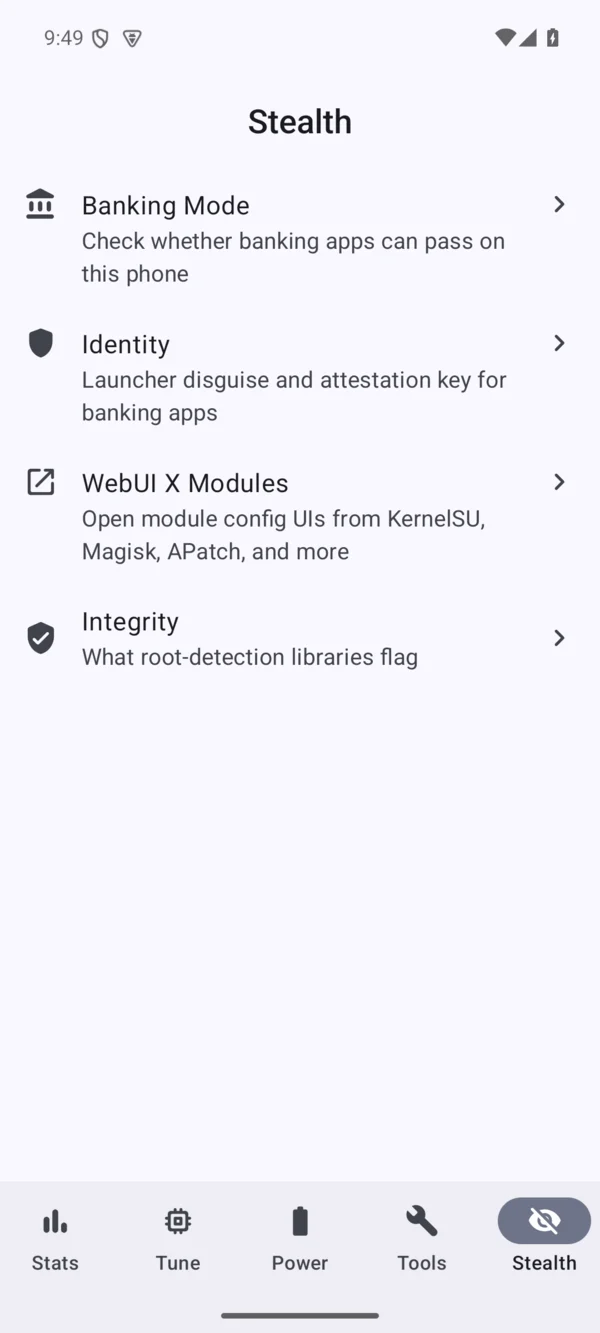
Stealth: Banking Mode checks whether banking apps can pass on this phone. Identity sets a launcher disguise and manages the attestation key. Integrity lists what root-detection libraries flag.
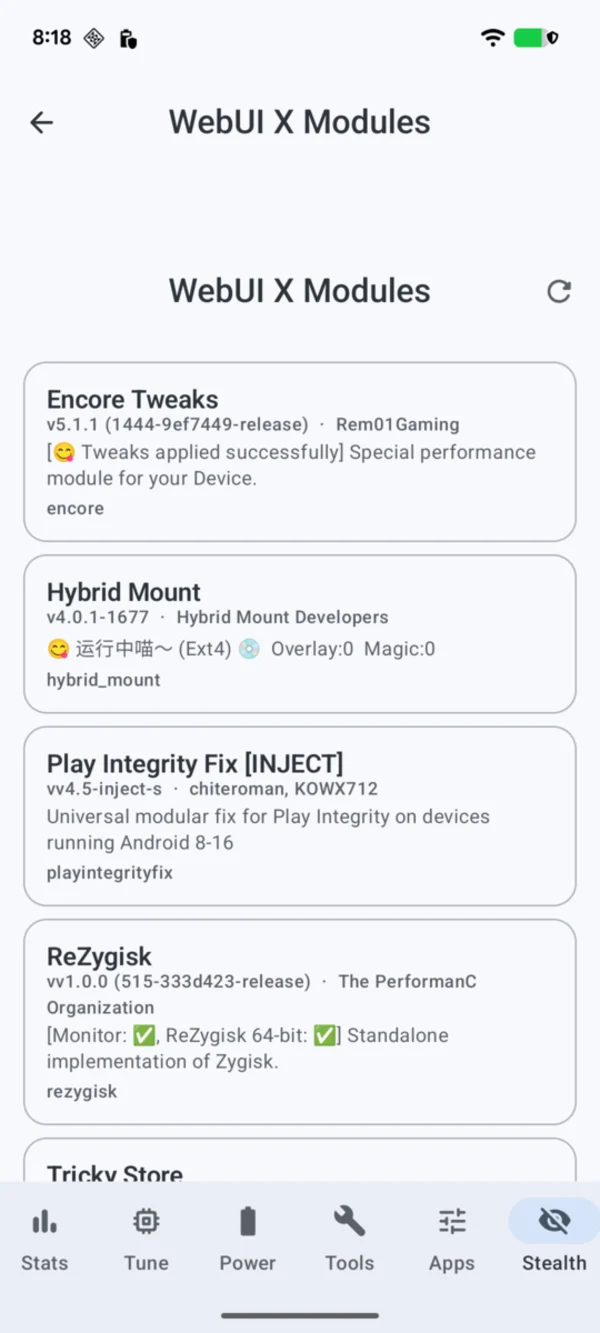
WebUI X modules: open the settings page of a root module from KernelSU, Magisk, or APatch inside the app.
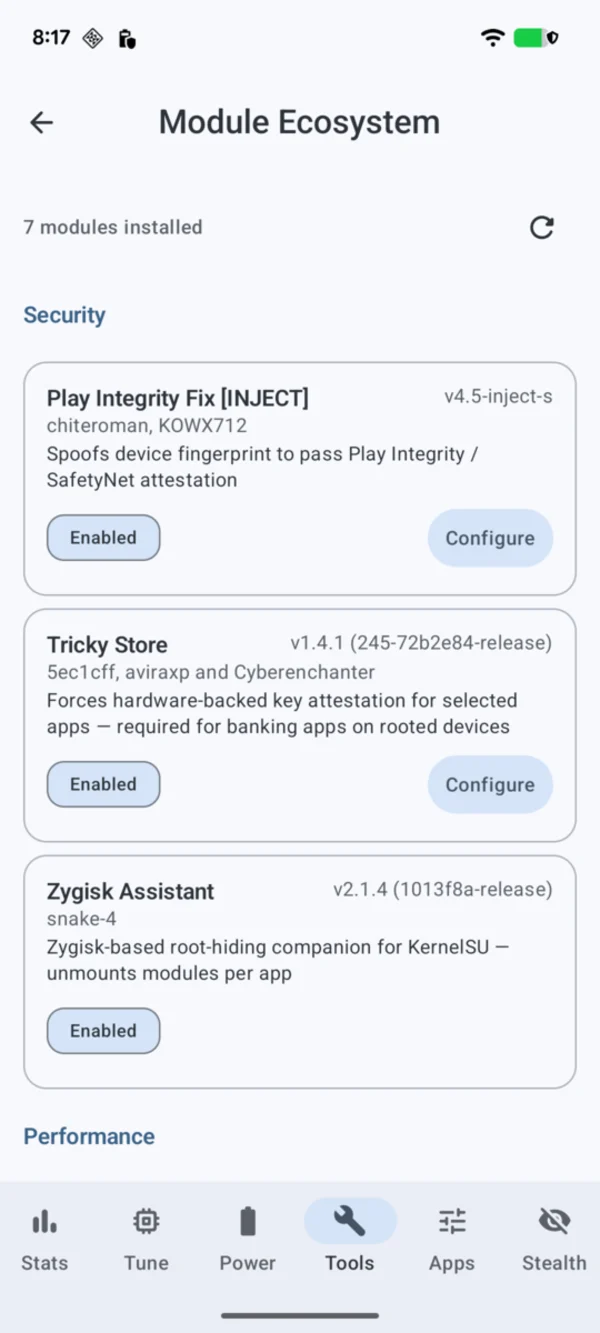
Module Ecosystem: see the root modules you have installed, grouped by what they do, with conflict checks.
Per-app profiles: bind a saved set of values to an app. The profile applies while that app is in the foreground. This uses the Usage access permission, which you grant yourself in Android settings.
Statistics: view CPU, temperature, and battery readings over time. The readings stay on your device.
Boot: reapply your saved values when the phone starts.
Vibration: see which vibration driver your device uses, and lower the motor strength on drivers that have a strength setting.
Free, from an independent developer
FauxClockNG is free. Every feature is open to everyone, including SuperFDO, per-app uclamp profiles, Thread Control, adaptive presets, per-app suggestions, community benchmarks, and Flash Image. There is no paid version.
An independent developer makes FauxClockNG for the Android community. If it helps you, a gift keeps it free for everyone, including people who cannot give. Support is optional. Supporters get a badge in the app and nothing else.
Supporter: $3.99 or more in total.
Major supporter: $6.99 or more in total.
Supreme supporter: $9.99 or more in total.
You can give through any of these five pages:
After you give, the developer's server emails you a supporter key from fauxapps@gmail.com. Paste the key into the app to show your badge. One key shows the same badge in every free Faux app, and your gifts add up across all of them.
What you need
- A rooted Android device (Magisk, KernelSU, or APatch). Without root, the app can only show readings.
- Android 7.0 or later.
- A kernel that exposes the settings you want to change. Controls that your kernel does not expose do not appear or do not respond.
A word of care
Kernel settings change how your device runs. A wrong value can make a device unstable until you restart it. Change one setting at a time.
Apps from the same developer
One tap on a badge opens the download page.


FauxCooling
Keeps your device cool while you play. Works on AYN and Retroid Pocket handhelds, and on any rooted phone, tablet, or handheld from other brands.
For Android handhelds, phones, and tablets

RomRoster
One list of every game on every handheld you own. See what is on which device.
For Android, iPhone, and iPad


Coming soon

Shellvana
An SSH client that renders terminal output as readable prose, not a tiny grid.
For Android, iPhone, and iPad

Net SD card
Your PC game library, shown to your Android emulators as if it were on the SD card. No root.
For Android


Face Trend
Watch how your face changes over time, privately, on your phone.
For Android and iPhone
Coming soon
Coming soon
Questions or ideas? Join the FauxApps Discord.
Questions: fauxapps@gmail.com